VisualSVN Server
Enterprise-ready Subversion server for Windows.
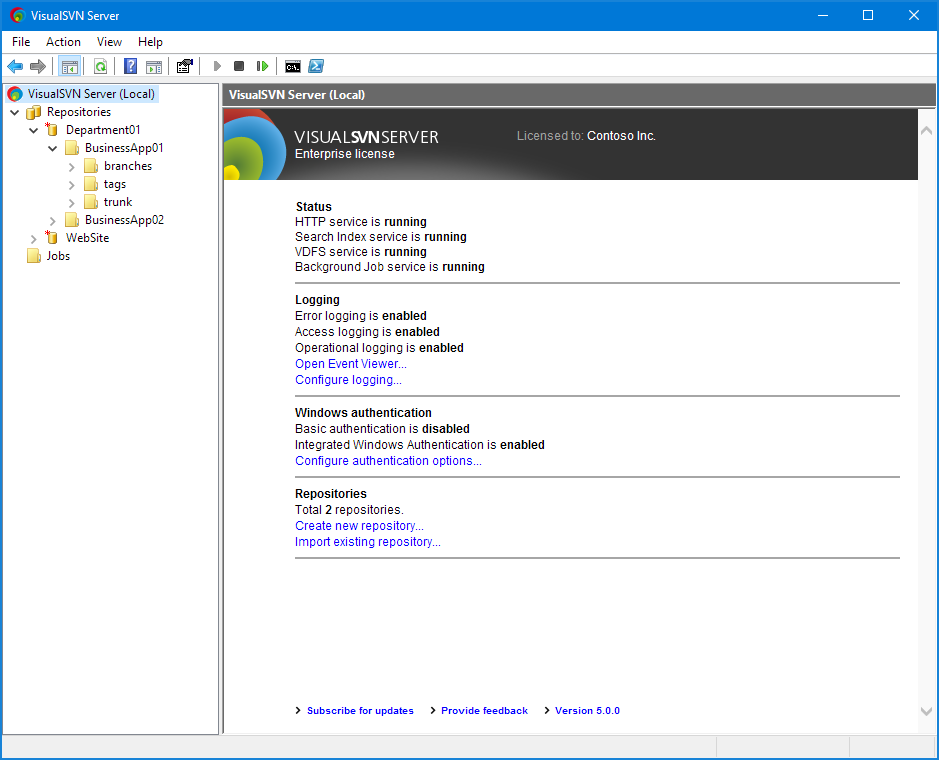
The proper way to setup an Apache Subversion server
VisualSVN Server has reached more than 3,000,000 downloads and it's the most favored way to setup and maintain an Apache Subversion server on the Windows platform. It is certified for Windows Server and trusted both by thousands of SMBs and Fortune 500 companies such as General Electric, Siemens, ThyssenKrupp and Sony.
Learn moreEasy to install, configure and maintain
VisualSVN Server is distributed as a single installation package with the latest versions of all the required components. The installation process is extremely simple and allows you to setup a full-featured and ready to use Subversion server in just a few clicks. Upgrades to newer versions are simple too.
Learn moreFree for commercial use!
VisualSVN Server is freely available for commercial use under the Community license. The free Community license does not require any registration, allows an unlimited number of repositories and up to 15 users.
Learn more about license typesFeatures
Active Directory Single Sign-On
Allows users to access VisualSVN Server using their current Active Directory domain credentials. Secure Kerberos V5 or NTLM authentication protocols are used. Support for two-factor authentication and smart cards is available.
Learn moreMultisite Repository Replication
Provides high-performance replication between geographically distributed sites using VisualSVN Distributed File System (VDFS) technology. Distributed repositories are writable and functionally equivalent to regular Subversion repositories.
Learn moreFull-Text Search
Search through the contents and history of your repositories — in any folder, at any revision. The search engine offers high performance, continuous indexing of new revisions and has virtually no limits on the repository sizes.
Learn moreTry VisualSVN Server for free
Free 45-day evaluation for all Enterprise or Essential features
No credit card or registration required